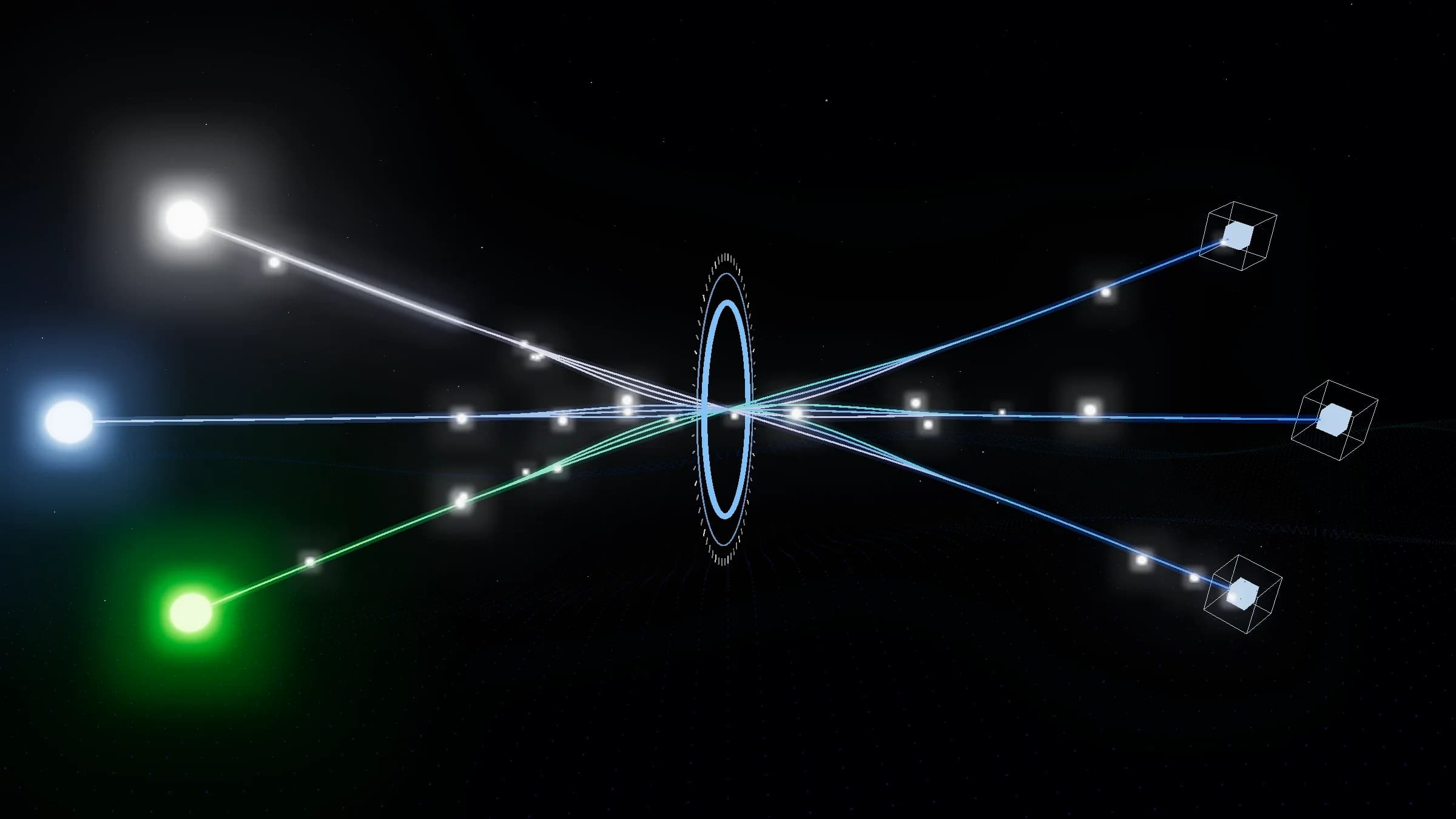
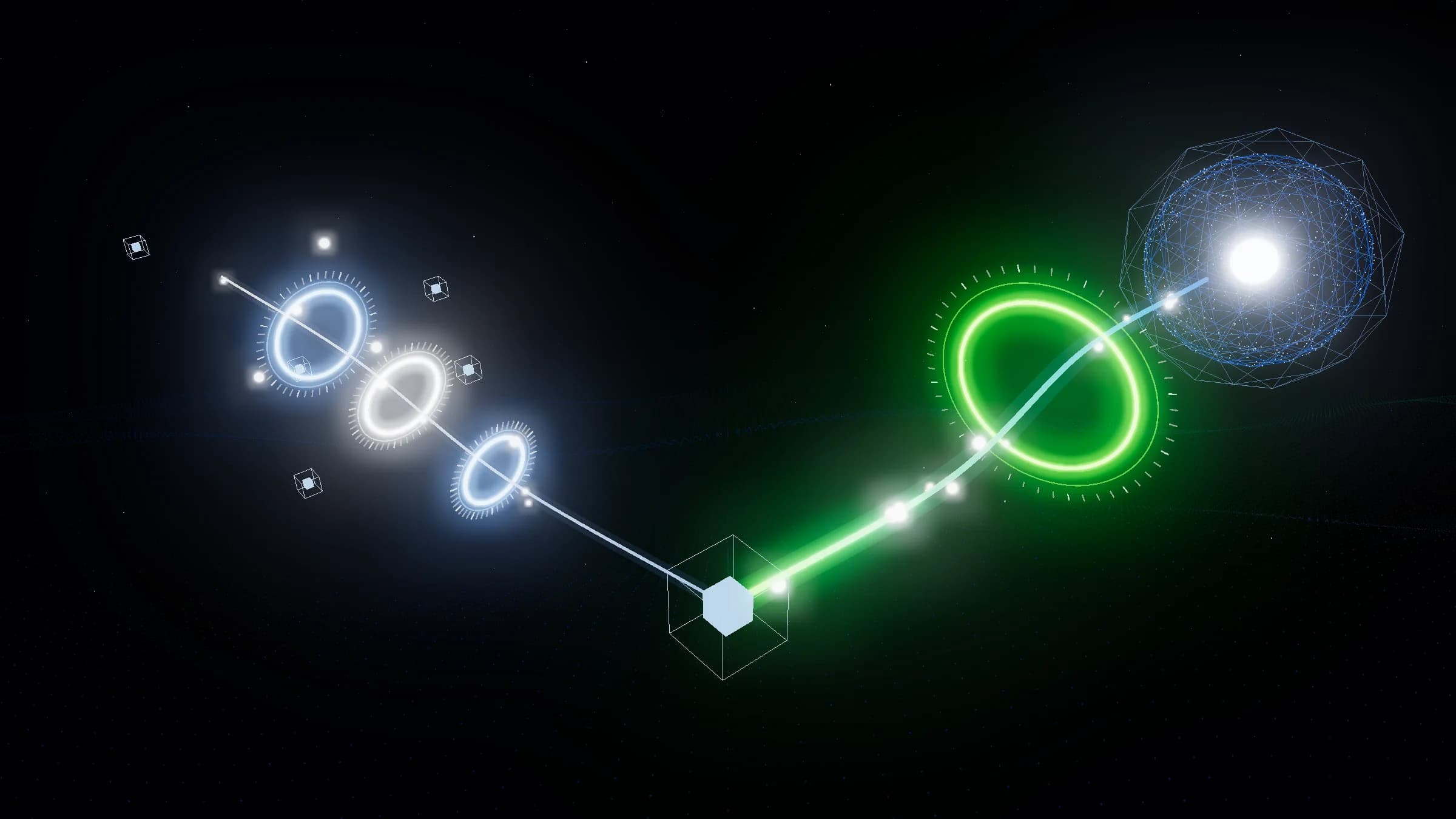
Meet Glxymesh: turn your ideas into hosted MCP tools
Watch the 90-second launch video, then walk through each step it shows: describe a tool, let AI build and test it, approve what it may reach, and connect any AI client.
In this post
- The launch video, in 90 seconds
- From one sentence to a tested tool
- What stays in your hands
- One endpoint for every AI client
AI models can reason, write and plan. Getting one to act, such as reading your GitHub issues or looking up a refund, still means building an MCP server, wiring APIs, storing secrets and keeping it all online. Glxymesh does that part, so you bring the idea and it becomes a hosted, connected MCP tool.
One tool, a whole infrastructure project#
The video opens on a simple request: "Get the latest issues from my GitHub repository." To let an AI client do that on your own, you write an MCP server, put it behind HTTPS, add OAuth so clients can sign in, keep the GitHub token somewhere safe, and chase certificate errors and 401s when something drifts. The tool is a few lines. The plumbing around it is the project.
Describe the tool you need#
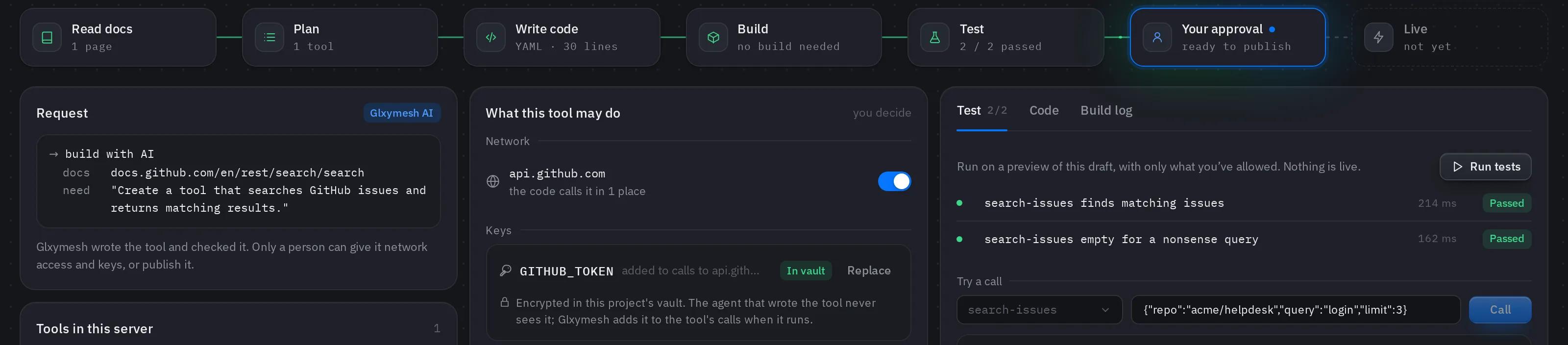
In the console's Builder, say what the tool should do and, if you like, link the API's docs. Glxymesh reads the docs, plans the tool, writes it and checks it. Most tools are one request described in YAML and need no code at all.
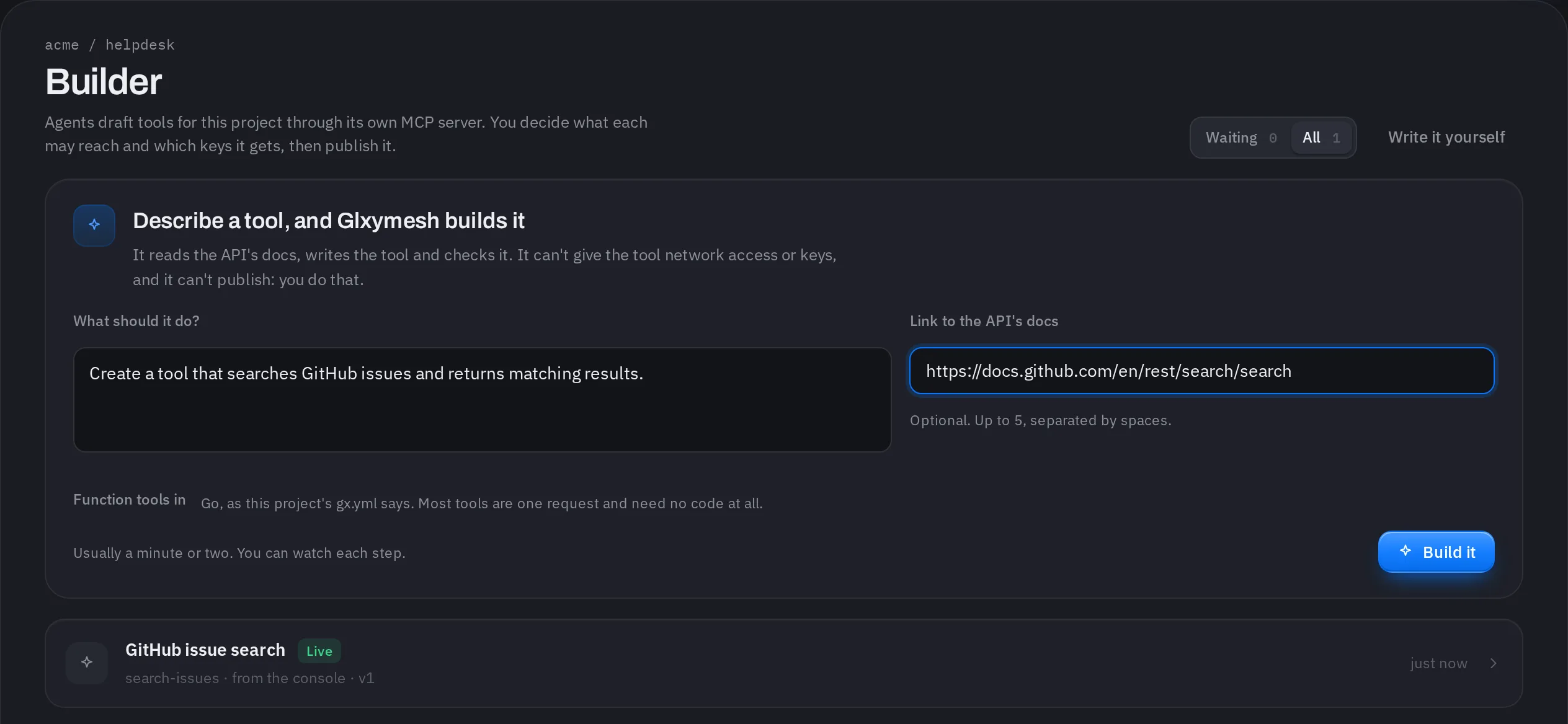
Rather write it yourself? A tool is a tool.yml, plus one run function in Go, TypeScript or Python when it needs code. The MCP server tutorial covers that path with the gxmesh CLI.
You decide what it can reach#
The AI that writes a tool can't give it network access or keys, and it can't publish. Each draft lists the hosts its code calls and the keys it needs. You allow each host, add each key to the project's vault, and the draft's tests run on a preview with only what you allowed. When they pass, you publish.
One project, one MCP endpoint#
Every project is one MCP server with one address. Claude, ChatGPT, Cursor, VS Code and other clients connect over Streamable HTTP and sign in with OAuth 2.1, so there is no API key to hand out. Every tool in the project is served from that one endpoint.
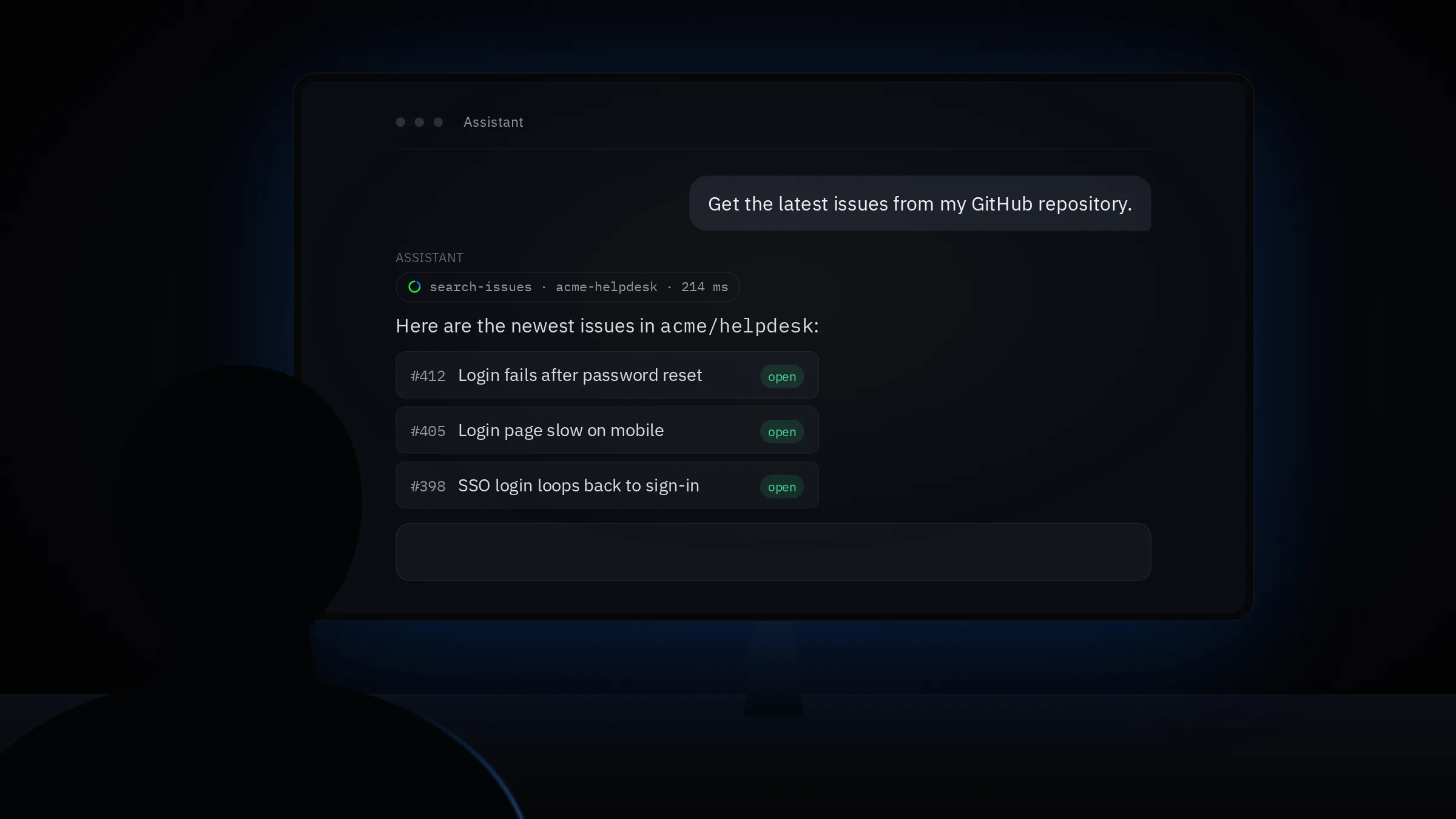
Connecting MCP servers to AI clients walks through what happens the first time a client signs in.
Built in from the first call#
| Built in | What it does |
|---|---|
| Sign-in | Each client signs in to the project with OAuth 2.1 |
| Network | A tool reaches only the hosts you allowed |
| Secrets | Encrypted in the project's vault and added at egress |
| Traces | Every call recorded with its outcome and timing |
How a request moves through Glxymesh follows one call through all of these, and reading your invocation history shows what the traces tell you.
Start building#
Spend less time managing infrastructure and more on what your AI can do next. Sign up at accounts.glxymesh.com/signup, and see the pricing page for what the free plan includes.